Call us now :08071932045
 Send Inquiry
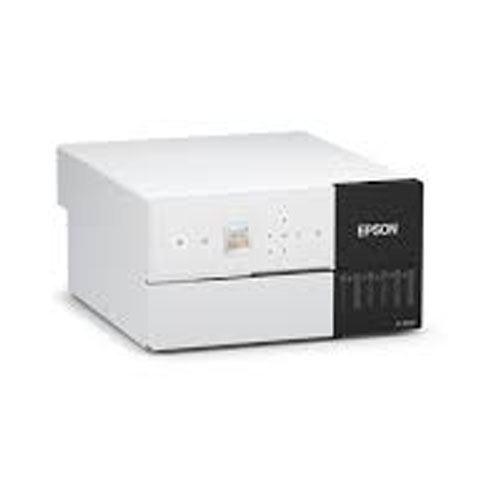
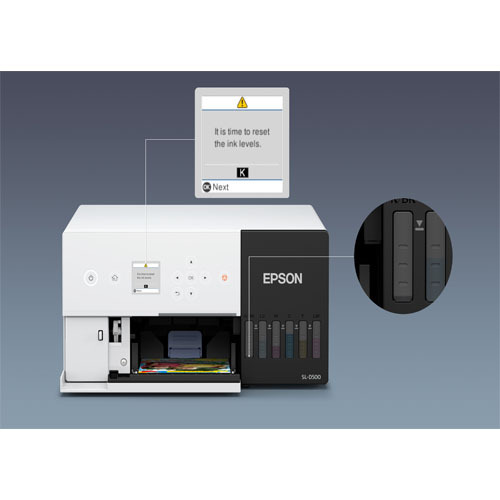
Epson SureLab SL-D530 Photo Printer
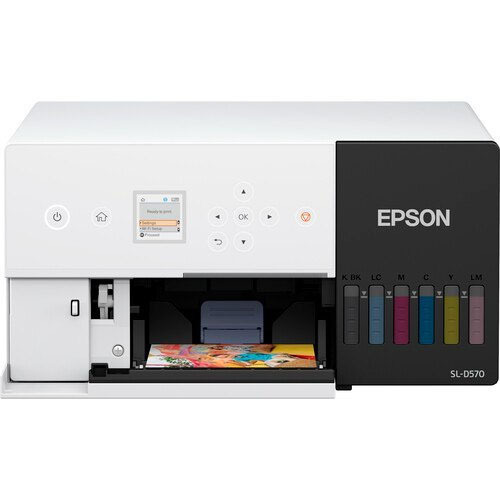

Epson SureLab SL-D530 Photo Printer Specification
- Features
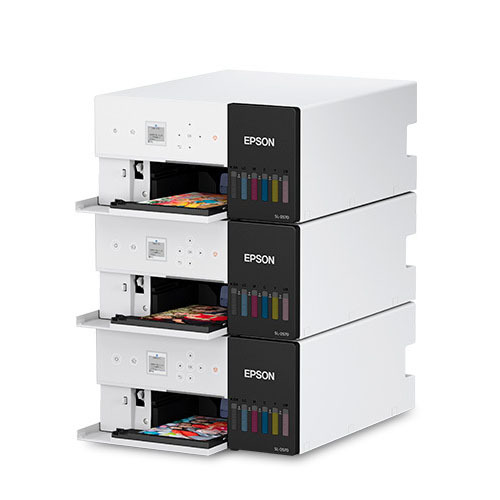
- Compact, Lightweight, Stackable, Borderless Print, Dual-Side Option
- Processor Speed
- Not specified (runs internal Epson firmware)
- Print Speed
- 19.4 sec/photo (default setting) m2/hr
- Interface
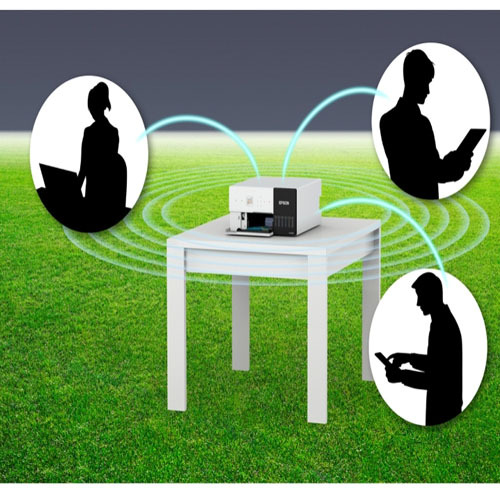
- USB, Ethernet (LAN), Wi-Fi (IEEE 802.11b/g/n)
- Weight
- 7 Kilograms (kg)
- Noise Level
- 46 dB(A) db
- Function
- Printing
- Processor Type
- Epson Embedded Controller
- Print Technology
- Micro Piezo Inkjet Technology
- Condition
- New
- Material
- Metal frame with Plastic enclosure
- Dimensions
- 40 x 29.9 x 15.4 cm Centimeter (cm)
- Gross Power
- Approx. 18 W (Operating)
- Voltage
- AC 100240V, 50/60 Hz Volt (v)
- Automatic Grade
- Automatic
- Color Print Speed
- 19.4 seconds (4x6 inch print) m2/hr
- Black Print Speed
- Same as color full CMYKLcLm color process used m2/hr
- Maximum Paper Size
- 4 x 6 inches (101.6 152.4 mm)
- Maximum Resolution
- 1440 x 720dpi
- Use
- Photo Printing (Kiosks, Studios, Events)
Epson SureLab SL-D530 Photo Printer Trade Information
- Minimum Order Quantity
- 1 Piece
- FOB Port
- MUMBAI
- Payment Terms
- Cash in Advance (CID), Cheque
- Supply Ability
- 25 Pieces Per Month
- Delivery Time
- 3 Days
- Sample Policy
- Contact us for information regarding our sample policy
- Packaging Details
- Printer Unit USB Cable AC Power Cable Setup Guide & Manual CD Maintenance Box Standard Ink Slots (6 Colors)
- Main Domestic Market
- All India
- Certifications
- CE (Europe) FCC (USA) BIS (India) ROHS, WEEE Compatible with Epson UltraChrome D6r-S inks (OEKO-TEX certified)
About Epson SureLab SL-D530 Photo Printer
SELFSERVE CONVENIENCE FOR FAST AND EASY VIBRANT PRINTSGive your prints the edge with Epsons SureLab SLD530 Designed with Micro Piezo printhead technology and Ultrachrome D6rS inks this ultraversatile photo printer delivers premium colour accuracy and sharpness for accurate professional prints of every kind With a lightweight and compact body the SureLab SLD530 allows doublesided printing making it ideal for photo kiosks selfphoto studios and event printingCompact Design for Flexible Installation
With overall dimensions of 40 x 29.9 x 15.4 cm and a weight of 7 kg, the Epson SureLab SL-D530 Photo Printer integrates easily into any workspace. Its stackable and lightweight form factor allows operators to maximize limited areas, especially in busy photo labs or event kiosks.
Advanced Printing Technology
The SL-D530 uses Epsons Micro Piezo Inkjet Technology with a full CMYKLcLm color process for lifelike photographic prints. This enables efficient and precise reproduction of images at a maximum resolution of 1440 x 720 dpi, making it suitable for professional applications.
Versatile Connectivity and Operation
Operators can connect through USB, Ethernet (LAN), or Wi-Fi, allowing flexible setup in various commercial environments. Automated functionality and dual-side options streamline workflow, while efficient energy usage keeps operating costs manageable.
FAQs of Epson SureLab SL-D530 Photo Printer:
Q: How does the Epson SureLab SL-D530 Photo Printer benefit photo kiosks or studios?
A: Its compact size, lightweight build, and stackable design make it easy to integrate into small spaces, while fast, high-quality prints support high-volume work in professional environments.Q: What kind of print quality can I expect from the SL-D530 Photo Printer?
A: You will get sharp, vibrant images with a maximum resolution of 1440 x 720 dpi, thanks to the advanced Micro Piezo Inkjet Technology and full CMYKLcLm color process.Q: When is the printer best used for borderless or dual-side photo printing?
A: Borderless printing is ideal for producing professional-grade photos and keepsake prints, while the dual-side option is useful for albums or event materials that require printing on both sides of the paper.Q: Where can I install the Epson SL-D530 Photo Printer?
A: Its compact form is suitable for use in retail kiosks, studios, event venues, and other commercial locations where space optimization is critical.Q: What is the typical process for photo printing using this printer?
A: Simply connect via USB, LAN, or Wi-Fi, load compatible 4x6 inch paper, and send your image files for fast printing with automatic operation, allowing for efficient handling in busy settings.Q: Is the SL-D530 energy efficient during operation?
A: Yes, it has a gross power consumption of approximately 18 W during operation, making it cost-effective for prolonged use.Q: How does the automatic grade feature enhance usage?
A: The automatic grade feature streamlines printing tasks, reducing manual intervention and improving workflow efficiency, especially in environments with frequent or batch print jobs.Tell us about your requirement

Price:
Quantity
Select Unit
- 50
- 100
- 200
- 250
- 500
- 1000+
Additional detail
Mobile number
Email

More Products in Dry Mini Lab Category
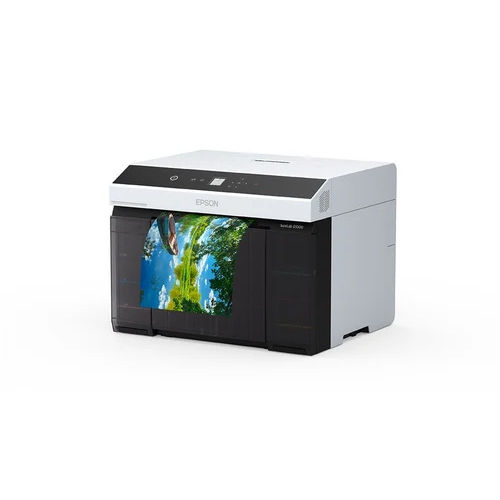
Epson SureLab SL-D1030 Printer
Price 249999 INR / Unit
Minimum Order Quantity : 1 Piece
Weight : 24 Kilograms (kg)
Maximum Paper Size : A4 (Width: 210 mm)
Function : Photo Printing
Noise Level : < 50 dB(A) db

 Send Inquiry
Our Products


Shop No. A13, Kanara Business Center, Laxmi Nagar, Ghatkopar (E), Mumbai - 400075, Maharashtra, India

Ms. Janvi
(Marketing Head)
Mobile :08071932045
 Send Inquiry
Developed and Managed by Infocom Network Private Limited.
